Stolen credentials are the #1 initial access vector in breaches. Phishing-resistant MFA blocks over 99% of identity-based attacks — yet nearly a third of users still don't have it enabled.
By the numbers
| Stat | Source |
|---|---|
| 22% of all breaches began with stolen or compromised credentials — the #1 initial access vector | Verizon DBIR, 2025 |
| 88% of web application attacks involved stolen credentials | Verizon DBIR, 2025 |
| 99%+ of identity-based attacks blocked by phishing-resistant MFA | Microsoft Digital Defense Report, 2025 |
| 70% overall workforce MFA adoption — nearly 1 in 3 users still unprotected | Okta Secure Sign-In Trends Report, 2025 |
| 65% of global SMBs do not use MFA and have no plans to implement it | Cyber Readiness Institute, 2024 |
| 292 days average time to detect and contain a credential-based breach | IBM Cost of a Data Breach Report, 2024 |
The advice has been the same for years: enable multi-factor authentication. It's in every security framework, every compliance checklist, every board-level briefing — and increasingly, it's a baseline expectation from cyber insurers and regulators on both sides of the Atlantic. For UK businesses in particular, the NCSC has listed MFA for business as a core Cyber Essentials requirement since 2023. And yet, the two most damaging breaches of 2024 — Change Healthcare and the Snowflake customer compromise — both had the same root cause: MFA wasn't enabled on the systems that were attacked.
Change Healthcare, a critical healthcare payment processing platform, was breached through a Citrix portal with no MFA in place. The CEO testified to Congress that MFA had simply not been configured on that system. The attack exposed 190 million patient records and cost UnitedHealth Group over $872 million in initial recovery costs, later revised to more than $2.8 billion by year end.[1] The Snowflake breaches — which hit Ticketmaster, AT&T, Santander, and dozens of others — followed the same pattern: credentials harvested by infostealer malware, accounts with no MFA in place, and attackers walking through the front door with valid logins.[2]
The lesson from both incidents is not that MFA is complicated. It's that the gap between knowing you should have it and actually having it everywhere that matters can cost you everything.
Why passwords alone are no longer a viable defence
Passwords fail in ways that are structural, not just behavioural. Employees reuse them across personal and work accounts. They get harvested by infostealer malware silently running on devices. They're bought and sold on criminal marketplaces within hours of a breach at any company that shares a user's email address. According to the Verizon 2025 DBIR, stolen credentials were the top initial access vector in 22% of all breaches, ahead of phishing (16%) and vulnerability exploitation (20%).[3]
The scale of the credential underground makes this structural. Microsoft reports that its systems face over 1,000 password attacks every second.[4] In 2024 alone, 2.8 billion credentials were posted for sale or circulated freely on criminal forums and darknet markets.[2] Practically speaking, any password your employees have ever used on any site that has ever been breached is available for purchase. The question is not whether an attacker can obtain your users' passwords. It's whether your systems require something the attacker doesn't have.
That something is MFA.
What MFA actually does — and what the data says about its effectiveness
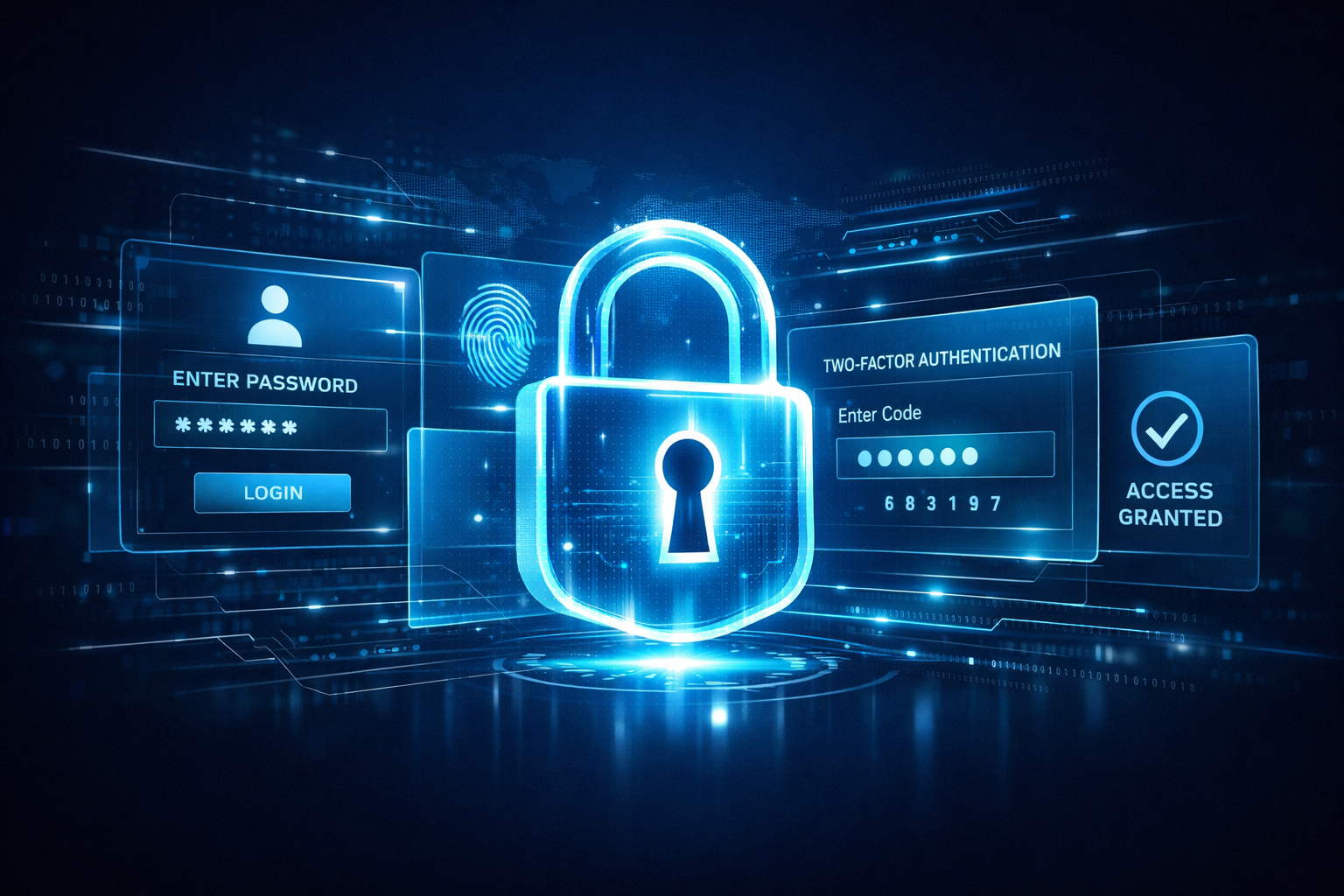
Multi-factor authentication requires users to verify their identity using two or more factors: something they know (a password), something they have (a phone or security key), or something they are (biometric). Even if an attacker has a valid password, they cannot authenticate without the second factor.
The effectiveness evidence is strong. Microsoft's 2025 Digital Defense Report — covering threat data from July 2024 through June 2025 — states that phishing-resistant MFA can block over 99% of identity-based attacks, even when an attacker already has valid credentials.[5] Microsoft also found that more than 99.9% of compromised accounts in their environment did not have MFA enabled.[4] The protection isn't marginal — it's categorical.
For credential-based breaches that do succeed, IBM's 2024 Cost of a Data Breach Report found they take an average of 292 days to detect and contain — longer than any other breach type — because attackers using valid credentials look like legitimate users and don't trigger alerts.[6] MFA doesn't just block the breach; it also prevents the extended, invisible dwell time that makes credential attacks so expensive.
The adoption gap: who's still unprotected
Despite the evidence, adoption remains uneven in ways that create serious risk. Okta's 2025 Secure Sign-In Trends Report found that overall workforce MFA adoption sits at 70% — meaning roughly one in three employees across the organisations studied still authenticates with a password alone.[7] This is particularly relevant for organisations running Office 365 MFA, where Microsoft's own data shows the majority of compromised accounts had no MFA configured at all — despite it being available at no additional cost on every Microsoft 365 licence.
The gap is most acute in smaller organisations. A November 2024 survey by the Cyber Readiness Institute found that 65% of global SMBs do not use MFA and have no plans to implement it.[8] For UK businesses, this is a particularly pressing concern: the NCSC's Cyber Essentials scheme — now a prerequisite for many UK government contracts — mandates MFA for business use on cloud services and remote access. Despite this, adoption among UK SMBs lags significantly behind larger enterprises. Among US-based SMBs, adoption is significantly higher at 89% — but that still leaves over a third of globally connected small businesses as easy entry points into supply chains. Only 5% of global SMBs require MFA from the customers or suppliers connecting to their systems.[8]
Industry variation is stark. The technology sector leads MFA adoption at 87–88%. Transportation and warehousing sits at 38%. Retail, despite a recent 9-point jump, is at 43%.[7] Admin accounts fare better — 91% of administrators use MFA — but only 66% of non-admin end users do.[7] Since most credential attacks target regular employee accounts and work upward through lateral movement, protecting only admins is not enough.
Not all MFA is equal: the methods that are failing
This is where the picture becomes more complicated. MFA as a category works. But certain implementations of MFA are being routinely bypassed at scale, and many organisations don't know the difference.
Push notification fatigue (prompt bombing)
Push-based MFA — where an approval prompt appears on a user's phone — is the most widely deployed method. It's also directly exploitable. Attackers who already have a password trigger repeated login attempts, flooding the user's device with push notifications until they approve one out of confusion or frustration. This is MFA fatigue, also known as prompt bombing. Cisco Talos found that nearly half of all security incidents they responded to in early 2024 involved MFA weaknesses, with push bombing being a primary tactic.[9] High-profile examples include the 2022 Cisco and Uber breaches, both successfully executed using push bombing combined with voice phishing calls from attackers impersonating IT support.[1]
Adversary-in-the-Middle (AiTM) token theft
AiTM phishing kits proxy the authentication session in real time. The user authenticates legitimately — including completing their MFA step — and the attacker intercepts the session token that proves authentication is complete. The attacker then imports that cookie into their own browser and is in, without ever needing to repeat the MFA challenge. Microsoft reported a 146% rise in AiTM attacks throughout 2024.[10] Platforms-as-a-service like Tycoon 2FA and EvilProxy have made these attacks accessible to criminals with no technical skill, available on Telegram with subscription pricing and customer support.
SMS-based one-time codes
SMS codes can be intercepted via SIM swapping — convincing a mobile carrier to transfer a victim's phone number to an attacker-controlled SIM — or real-time phishing, where the attacker relays the code before it expires. CISA explicitly recommends against SMS-based MFA for high-risk accounts. It remains better than no MFA, but it should not be the endpoint of an organisation's authentication strategy.
The key distinction: what fails is phishable MFA — push notifications, SMS codes, and TOTP — because the authentication signal can be intercepted or socially engineered. What works is phishing-resistant MFA — FIDO2/passkeys and hardware security keys — because the cryptographic assertion is bound to the legitimate domain and cannot be relayed to an attacker.
The 2024 breach case studies that changed the conversation
Change Healthcare (February 2024): ALPHV/BlackCat ransomware operators breached a Citrix remote access portal using stolen credentials. MFA was not configured on that portal. The attack disrupted healthcare payment processing across the United States for weeks, affecting hospitals, pharmacies, and clinics. With 190 million patient records exposed, it became the largest healthcare data breach in US history.[1]
Snowflake customer breaches (May–June 2024): Attackers used credentials harvested by infostealer malware to access Snowflake accounts at dozens of major organisations. Snowflake did not require MFA by default. Ticketmaster, AT&T, Santander, and others were among the confirmed victims. The DBIR explicitly uses this case to underscore that simply enabling MFA on all accounts would likely have prevented the entire campaign.[2]
These aren't edge cases. They are the most illustrative examples of what credential-based attacks look like at scale in 2024, and both came down to the same preventable control gap.
What good looks like: a practical implementation roadmap
-
Audit your MFA coverage immediately. Identify every system accessible with a password alone: VPNs, remote access portals, email, cloud storage, finance systems, HR platforms. For organisations on Microsoft 365, enabling Office 365 MFA via Microsoft Entra ID (formerly Azure AD) is the logical starting point — it covers email, Teams, SharePoint, and OneDrive in a single policy. Any gap here is an open door. The Change Healthcare breach came through a single unconfigured portal. One is enough.
-
Eliminate SMS as the only MFA option for business accounts. SMS is better than nothing but should not be the ceiling of your authentication strategy. Replace with authenticator apps (TOTP) as a minimum, and begin migrating high-risk roles to FIDO2/passkeys or hardware security keys.
-
Enable number matching on push notifications. This requires the user to enter a number displayed on the login screen rather than simply tapping approve — directly mitigating automated push bombing. Microsoft and most major authenticator apps now support this; it should be enabled by default, not opt-in.
-
Deploy phishing-resistant MFA for privileged accounts and high-risk roles. Finance, IT admin, HR, and executive accounts are primary targets for BEC and lateral movement. FIDO2 hardware keys (YubiKey, Titan) are domain-bound — they will not authenticate against a phishing domain regardless of how convincing the page looks. Cloudflare's deployment of FIDO2 keys prevented the same Scatter Swine campaign that successfully breached Twilio.[1]
-
Adopt phishing-resistant MFA adoption rates are growing, but not fast enough. Okta's 2025 report found phishing-resistant authenticator adoption grew 63% in one year, rising from 8.6% to 14% of users — a positive trajectory, but still covering only one in seven users.[7] Set a roadmap to reach 100% for all human accounts within a defined timeframe.
-
Harden MFA recovery and enrolment processes. The weakest point in many MFA deployments is the help desk reset process. Attackers routinely impersonate employees to social-engineer password and MFA resets. CISA's July 2025 advisory on Scattered Spider specifically highlighted help desk manipulation as a core intrusion technique.[11] Require strong identity proofing — video verification, manager approval, or out-of-band confirmation — before any MFA reset.
-
Require MFA from third parties accessing your systems. Only 5% of global SMBs currently enforce this.[8] Yet the 2025 Verizon DBIR found that third-party involvement in breaches doubled year-over-year to 30% of all incidents.[3] Every vendor, contractor, and partner with access to your environment is a credential risk if they are not held to the same MFA standard as your own staff.
-
Combine MFA with conditional access. MFA is most effective as part of a broader access policy that also evaluates device health, location, login time, and behavioural signals. A login from an unmanaged device in an unexpected country at 3am should trigger additional friction even if MFA is presented successfully.
The bottom line
MFA is not a silver bullet. Push notifications can be bombed. SMS codes can be intercepted. Session tokens can be stolen mid-authentication by AiTM proxies. These are real and growing attack vectors, and they mean that the conversation has to move beyond "do you have MFA enabled?" to "what kind of MFA do you have, where, and on what?"
But none of that changes the foundational calculus. The two largest breaches of 2024 were enabled by a complete absence of MFA on critical systems. Stolen credentials are the #1 initial access vector in global breach data. And phishing-resistant MFA, when properly deployed, blocks over 99% of identity-based attacks according to Microsoft's own telemetry across billions of sign-ins.[5]
The organisations most likely to be breached via credentials in 2026 are the ones still treating MFA as optional, still relying on SMS alone, or still leaving any external-facing system accessible with a password and nothing else. For UK businesses, the stakes are compounded by GDPR breach notification obligations and the reputational exposure that follows — MFA for business isn't just a security decision, it's a liability one.
If that describes any system in your environment, the fix is known. The only question is timing.
Sources
- Authn8, MFA Fatigue Attacks: Why Your Team's 2FA Setup Might Be the Weak Link, 2025. Case studies on Change Healthcare, Cloudflare, Cisco. authn8.com
- Descope, Verizon DBIR 2025: Credentials Are Still #1 Threat — analysis of Snowflake breach and infostealer credential data. descope.com
- Verizon, 2025 Data Breach Investigations Report (DBIR). verizon.com
- Microsoft, Security at Your Organization — MFA Statistics, Microsoft Partner Center, updated January 2025. learn.microsoft.com
- Microsoft, Microsoft Digital Defense Report 2025, October 2025. blogs.microsoft.com
- IBM, Cost of a Data Breach Report 2024. ibm.com
- Okta, Secure Sign-In Trends Report 2025. okta.com
- Cyber Readiness Institute, 2024 Global MFA Survey, November 2024. cyberreadinessinstitute.org
- WorkOS, How Attackers Are Bypassing MFA Using AI in 2026 — citing Cisco Talos findings from early 2024. workos.com
- Jeffrey Appel / Microsoft Community Hub, AiTM/MFA Phishing Attacks: 2025 Edition — citing Microsoft's 146% AiTM rise figure. jeffreyappel.nl
- CISA / FBI, Joint Cybersecurity Advisory: Scattered Spider Operations, July 2025. ic3.gov