Security
9 Top Malware Signs On Work Laptop Staff Should Report Immediately
20 May 2025
What Are Malware Signs On Work Laptop Devices And Why It Matters
Malware signs on office laptop devices can often go unnoticed until it’s too late. In the busy environment of a UK SME, a single infected laptop can expose sensitive data, compromise business operations, and cost thousands in downtime or recovery. That’s why staff awareness is no longer optional, it’s essential.
Malware refers to malicious software designed to disrupt, damage, or gain unauthorised access to computer systems. While antivirus tools help reduce risk, many threats still get through especially via email attachments, fake software updates, infected USB sticks, or risky downloads.
Unlike a dramatic crash or visible alert, most malware starts off quietly. It sits in the background, collecting data or spreading across the network. This makes early detection critical. If your employees don’t know what to look out for, they may ignore or dismiss key signs until irreversible damage is done.
Laptops used in hybrid working setups from co-working spaces, home offices, or public WiFi zones are especially vulnerable. Even company-managed machines aren’t immune if they’re not updated, properly configured, or monitored in real time.
In this article, we outline the 9 most urgent malware signs every employee should be trained to recognise. These warning signs, if reported early, can help your business isolate problems fast and prevent costly disruptions. Whether your team is technical or not, these are symptoms that any staff member can spot with the right awareness.
Let’s look at what they need to report straight away.
#1 Unusual Pop-Ups and Fake System Warnings
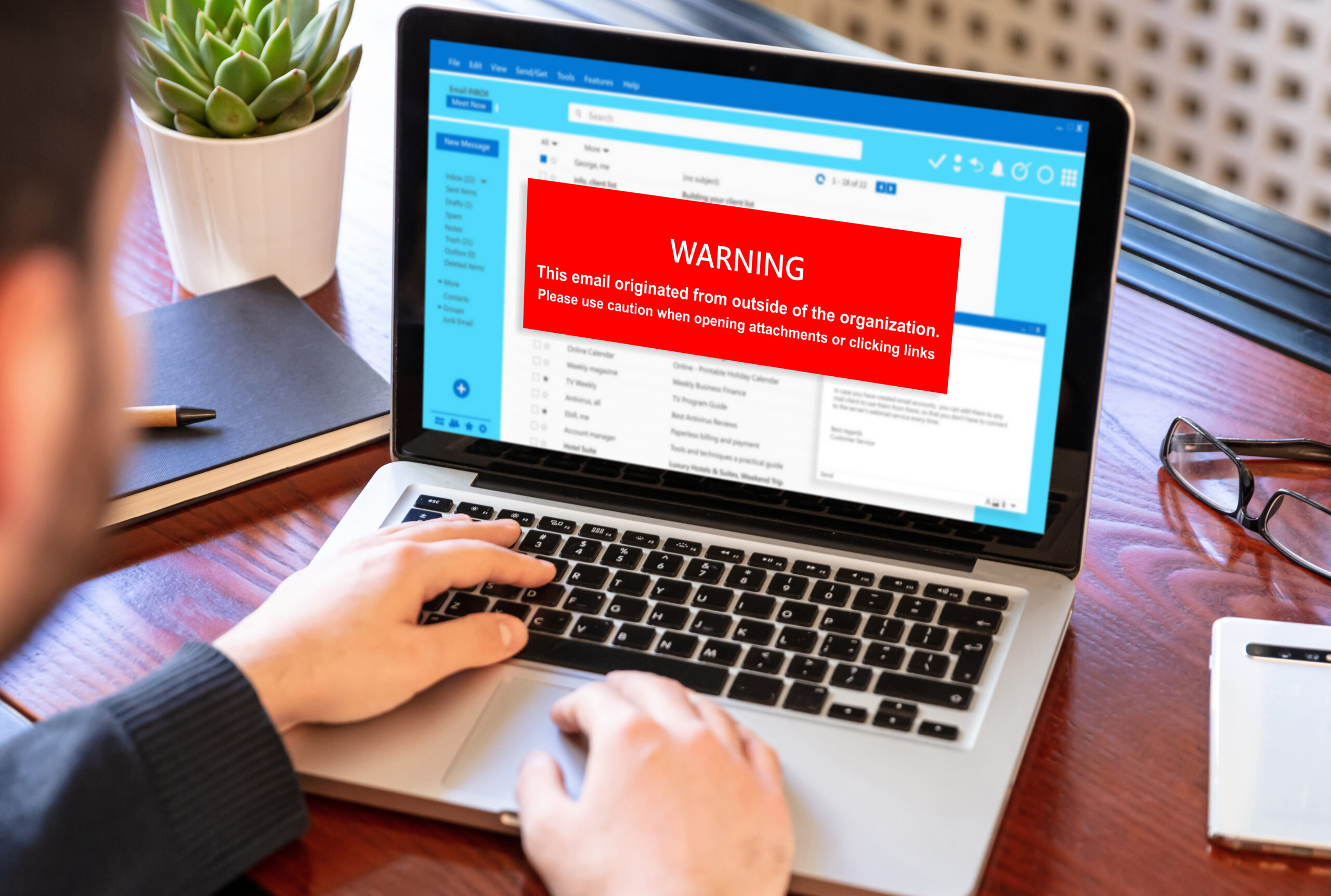
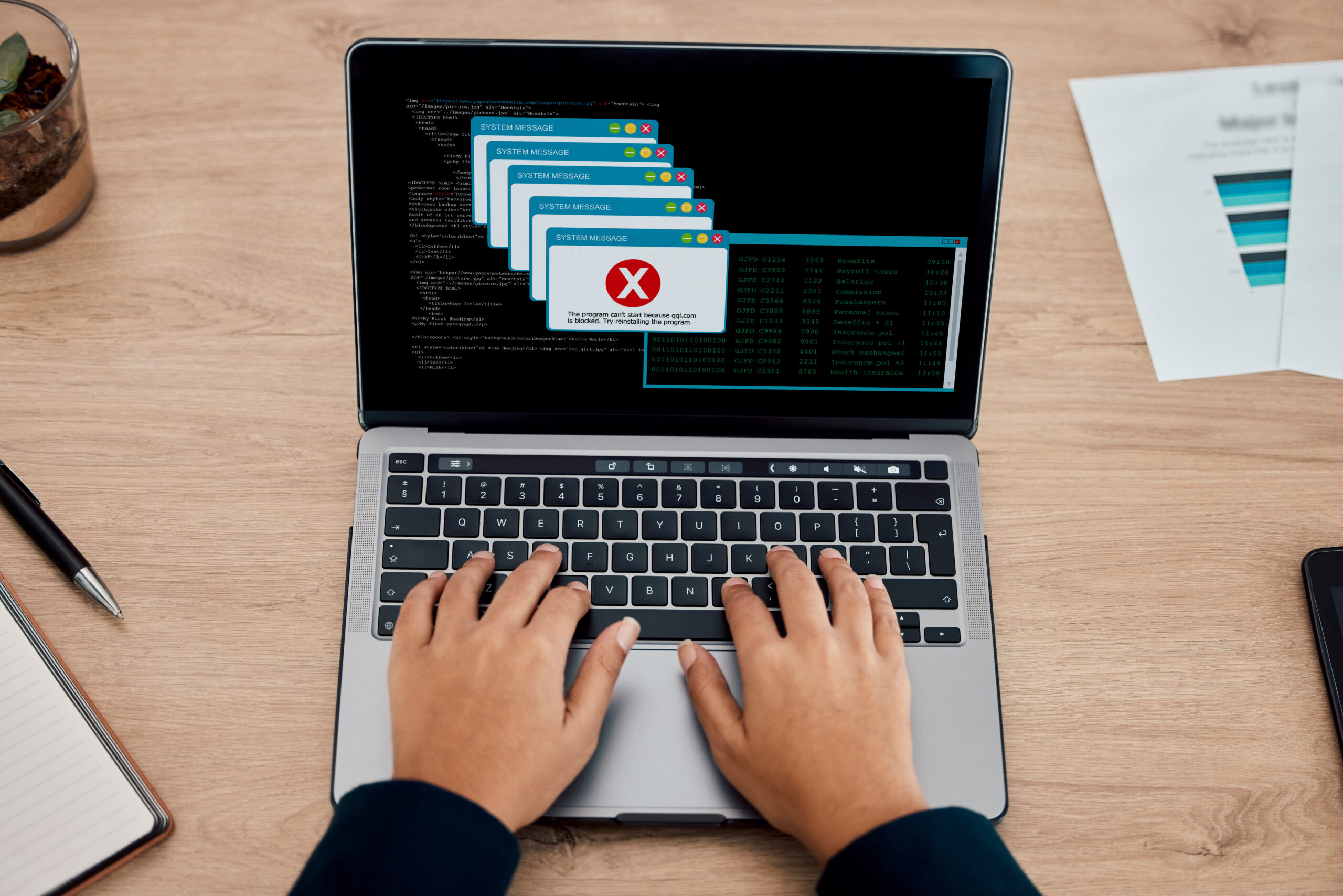
One of the earliest signs of infection is an increase in strange pop-ups, security alerts, or system warnings. These messages often appear while browsing or even when no apps are open, warning of “critical errors,” “outdated antivirus,” or “detected threats” and they urge the user to take action fast.
These types of pop-ups are rarely legitimate. In most cases, they’re linked to rogue software trying to trick users into installing more malware. Known as scareware, these pop-ups are designed to create panic and bait users into clicking unsafe links or calling fake support numbers.
Some pop-ups mimic the appearance of well-known software brands, making it harder to spot the difference. They may show fake progress bars, false scan results, or loud alerts that disrupt the user’s workflow.
These signs often appear after visiting a compromised website, downloading a free tool from an unverified source, or opening an infected email attachment. If the pop-ups appear repeatedly or return even after being closed, it’s likely the system has been compromised.
Staff should never interact with these alerts. Instead, they should take a screenshot, close the laptop if needed, and notify IT support or a line manager immediately. The earlier the source is identified, the easier it is to isolate the malware before it spreads further.
#2 Unexpected Slowdown Or Lag In Normal Tasks
A work laptop that suddenly becomes slow, unresponsive, or prone to freezing should never be ignored. While hardware age or lack of RAM may cause performance dips, unexpected lag is a common sign of malware working in the background.
Sluggish performance during basic tasks such as writing an email, opening spreadsheets, or switching browser tabs could indicate that malware is consuming system resources. This includes keyloggers, remote access tools, or trojans silently running alongside normal processes.
Some forms of malware are programmed to throttle system speed intentionally, either to distract users from data theft or to hide malicious processes that launch at random intervals.
Lag might also be seen at startup, with delays in loading desktops, login screens, or familiar apps. Malware often adds itself to startup folders or manipulates registry files to activate every time the machine boots.
A laptop that frequently hangs, requires hard reboots, or becomes hot and unresponsive during light use is worth investigating. If this happens across several machines, it may also point to a coordinated attack or network-wide compromise.
IT leads should ask users experiencing slowdowns whether any unusual updates, downloads, or pop-ups appeared prior to the issue. A simple slowdown today could be the first sign of a major breach tomorrow.
#3 Programs Opening Or Closing Automatically
Another suspicious behaviour or one of the malware signs on work laptop is when applications launch or shut down without user input. For instance, if a browser opens randomly, or if Word or Excel closes without saving, this could be the result of malware taking control of the system.
Infected devices may also show ghost clicks, unexpected switching between windows, or background processes appearing in Task Manager that the user doesn’t recognise.
This is often due to remote control malware, which allows attackers to operate a device as if they were sitting in front of it. These attacks are especially dangerous in business settings, as they can be used to steal login credentials, extract files, or install ransomware.
If software launches, closes, or behaves strangely without staff interaction, it should never be dismissed as “a glitch.” It’s a clear red flag.
Staff should be encouraged to report any such incidents immediately. Logs can be reviewed to trace unusual activity, while affected machines can be taken offline to prevent further abuse.
#4 High CPU Or Memory Usage Without Explanation
Another part of malware signs on work laptop devices is unexplained spikes in CPU or memory usage. This can often be spotted by the fan running loudly even when only a few applications are open or by the machine overheating for no clear reason.
A device infected with malware may be running background processes that consume large amounts of system resources. This includes crypto mining malware, spyware, or command-and-control tools that send data back to a remote server.
The user might not notice anything on-screen, but the Task Manager may reveal unusual programs using high percentages of CPU, RAM, or disk. Many of these process names are designed to mimic legitimate Windows services, making them harder to detect without training.
Even browser-based threats can consume excessive memory especially those designed to hijack tabs, redirect searches, or run unauthorised scripts.
When staff hear unusual fan noise, experience sudden lag, or feel the machine overheating regularly, they should alert support teams. Continuous high resource usage reduces laptop lifespan, increases electricity bills, and exposes the business to ongoing risk.
#5 Disabled Antivirus Or Firewall Without User Action
Another of the bunch malware signs on work laptop is security software that suddenly stops working is a major warning sign. If staff open their antivirus dashboard and see it’s disabled and they didn’t turn it off, malware is almost certainly at play.
Malware often targets antivirus tools and firewalls first, as these stand in the way of installation or data theft. Attackers may use privilege escalation to disable these protections silently, then proceed to extract data or spread further into the network.
Staff might see warnings that virus definitions are outdated, that firewall settings have been changed, or that automatic scans have been disabled. These changes should never be accepted as routine.
Even worse, some malware removes the tray icon or hides the software entirely to avoid detection. That’s why it’s important to train staff to check their protection software weekly and to notify IT immediately if something seems off.
Left unreported, these issues create a massive opening for further damage. A disabled antivirus is never just a setting, it’s a symptom of a deeper problem.
#6 Emails or Messages Sent That Staff Didn’t Write
One of the most dangerous signs of malware on a work laptop is when messages are sent from the user’s email or messaging account without their knowledge.
This could include:
-
Email replies to clients the user never typed
-
Random messages sent via Teams or Slack
-
Social media posts or DMs generated from the work device
In these cases, the user’s credentials may have been stolen by a keylogger or browser exploit. Worse, the attacker may still be logged in and monitoring activity in real time.
This type of threat can lead to invoice fraud, phishing inside the company, or even data leaks if files are sent externally without approval.
If a staff member receives a confused reply from a contact about a message they didn’t send or sees “sent items” they don’t recognise, this must be escalated. The sooner the account is locked down, the better.
#7 Redirects When Browsing or Using Search Engines
Browser hijacking is a subtle but common malware tactic. Staff may notice that when they try to open Google, Bing, or a company website, they’re redirected to unfamiliar search engines or strange advertising pages.
Sometimes, their homepage or new tab settings are changed automatically. Other times, search results are replaced with sponsored content or links to unrelated websites.
These issues typically stem from browser extensions or scripts installed silently by malware. In some cases, the malware blocks access to legitimate security or antivirus websites to prevent cleanup.
If a staff member sees new icons on their browser, has trouble reaching secure portals, or keeps getting redirected, this should be flagged immediately. Not only does this affect productivity, but it also opens the door to more dangerous threats.

#8 Locked Files Or Ransomware Warnings
Perhaps the most severe sign is the sudden appearance of locked files, renamed folders, or ransom notes displayed on screen. This means ransomware has already taken hold.
In these cases, malware encrypts files on the laptop and sometimes across the network. The attacker then demands payment in cryptocurrency in exchange for a decryption key.
Staff may see messages titled “Your files are locked” or desktop backgrounds replaced with ransom demands. File extensions may be changed to unreadable formats.
Immediate action is critical. The device should be unplugged from all networks, and IT support or a specialist should be contacted. Never attempt to pay the ransom most attackers take the money and vanish.
Early detection can prevent this from spreading across the company. Train staff to spot changes in file access before ransom screens appear.
#9 Device Running Hot Even During Light Use
If a staff member’s laptop runs unusually hot even when doing basic tasks, this could be a sign of malware.
Heating issues may indicate:
-
Crypto mining malware
-
Remote access tools operating continuously
-
Background data harvesting or surveillance
-
Unpatched firmware being exploited
Excessive heat shortens hardware life and increases the risk of failure. If combined with battery drain or fan noise, this should be treated as a malware sign not a hardware issue.
Encourage staff to report any repeated overheating, especially if the device is barely in use. Even if it’s not malware, it’s worth inspecting.
We’ll Help You Train Staff To Spot Malware Signs And Protect Your Business
We know how easy it is for malware to go unnoticed especially on a busy work laptop. That’s why training your staff to recognise and report the signs early is one of the best investments you can make.
At Little Big Tech, we help UK SMEs roll out practical, non-technical cybersecurity awareness that your team will actually use. From identifying malware symptoms to safely reporting threats, we give your staff the confidence to act before small issues become full-blown breaches.
We also provide laptop security audits, managed antivirus solutions, and browser control tools that reduce risk before malware even lands. Our support goes beyond software, we help you create a culture of caution, clarity, and accountability.
Whether you’ve already seen red flags or want to be proactive, we’re here to help.
Call Little Big Tech on 03333 055 331 to book a free malware awareness consultation or discuss security options for your team. Let’s keep your devices and your business is protected.
Related reading
Is your business's technology environment resilient?
Find out how prepared you really are to keep operating and recover quickly if disruption hits — with a free Technology Resilience Score™.