IT Support
Best Practices for Remote IT Support
30 July 2026
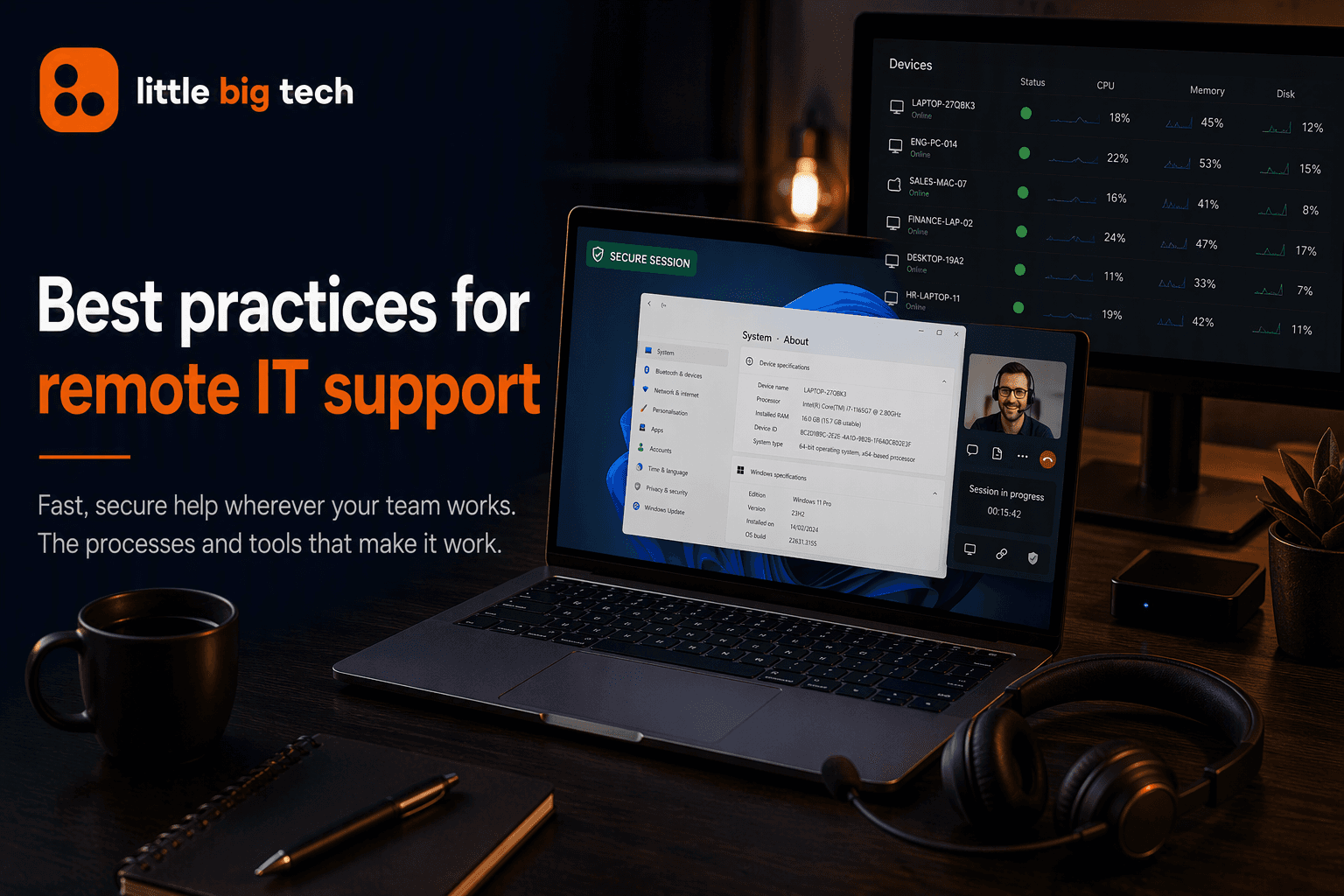
Remote working has become a normal part of how many businesses operate. Whether employees are working from home, travelling, or splitting their time between the office and other locations, they still need fast, reliable access to IT support when something goes wrong.
For IT teams, supporting users across different locations brings its own challenges. Providing remote IT support requires the right combination of processes, communication and technology to resolve issues quickly, maintain security and keep employees productive wherever they're working.
In reality, most day-to-day IT issues, whether it's a forgotten password, a slow laptop or a dropped VPN connection, can be resolved remotely, often much faster than waiting for an engineer to travel on-site. The key is having the right tools and support processes in place.
In this guide, we'll cover the best practices that make remote IT support effective, along with the tools that underpin a strong remote support setup.
Why Remote IT Support Matters
For small and medium-sized businesses in particular, IT support is no longer simply a convenience. It's a core part of keeping operations running. Slow response times, unresolved software issues and unstable networks all have a direct impact on productivity, and remote IT support allows businesses to resolve most of these issues quickly without waiting for an engineer to travel on-site.
Done well, remote support isn't just about fixing problems as they arise. It's about creating a secure, stable working environment where issues are identified early, disruption is kept to a minimum and employees can get on with their work without unnecessary interruptions.
Best Practices for Effective Remote IT Support
1. Document Common Issues and Fixes
A strong remote support strategy starts with clear documentation. Step-by-step guides for common problems, such as resetting a password or troubleshooting a basic network issue, allow employees to resolve simple problems themselves. This reduces the number of tickets reaching the helpdesk and speeds up resolution for everyone else.
An internal knowledge base also helps your IT team work more consistently, making it easier to resolve recurring issues in the same way each time.
2. Use a Ticketing System
Remote support is only as effective as its ability to track and prioritise issues. A ticketing system logs every request, assigns it to the right technician and provides visibility into response times, outstanding issues and recurring problems.
Without a structured system, it's easy for requests to be overlooked, particularly as your business grows or more employees begin working remotely.
3. Prioritise Clear Communication
Good communication is central to remote support. Employees need an easy way to contact IT, whether that's through live chat, a phone call, video meeting or screen sharing, so issues can be diagnosed and resolved in real time instead of lengthy email exchanges.
Keeping users updated while an issue is being investigated also helps manage expectations and provides reassurance that progress is being made.
4. Set and Track Response Time Targets
Effective remote support is measured by how quickly and reliably users receive help. Setting clear response and resolution targets, then reviewing performance against them, helps maintain a consistent level of service as your organisation grows.
Monitoring these figures over time can also highlight recurring issues and show where support processes could be improved.
5. Build Security Into Every Support Session
Remote access software, VPNs and remote troubleshooting sessions all need to be properly secured. Multi-factor authentication, encrypted connections and strict access controls should be standard practice rather than an afterthought, particularly as more devices and locations become part of day-to-day working.
It's equally important to keep remote support software up to date and ensure only authorised technicians can access company devices.
6. Monitor Systems Proactively
The best remote support identifies problems before they affect users. Continuous monitoring of networks, servers and devices allows IT teams to spot early warning signs, such as unusual network activity, low disk space or failing hardware, and deal with them before they become major outages.
Taking a proactive approach reduces downtime, improves productivity and helps prevent minor issues from developing into larger ones.
Tools That Support Effective Remote IT Support
The right technology is just as important as having the right people and processes. Most remote IT support teams rely on a combination of tools, including:
- Remote access and screen sharing software to securely view and control a user's device while diagnosing and resolving issues.
- Ticketing and helpdesk platforms to log requests, prioritise work and track support performance.
- Remote Monitoring and Management (RMM) software to monitor devices, automate maintenance tasks and identify potential issues before users notice them.
- Communication and collaboration tools such as Microsoft Teams, live chat and video calling to keep employees and IT support connected throughout the support process.
- VPNs and secure connectivity solutions to provide encrypted access to company systems for employees working remotely or in hybrid environments.
Common Challenges With Remote IT Support
Even with the right tools in place, remote support comes with its own challenges. Time zone differences, unreliable internet connections and employees using personal or unmanaged devices can all make troubleshooting more difficult.
Clear processes, secure remote access tools and proactive monitoring go a long way towards reducing the impact of these challenges and ensuring employees receive consistent support wherever they're working.
Frequently Asked Questions
Can most IT issues really be fixed remotely?
Yes. The vast majority of day-to-day IT issues, including software errors, password resets, account problems and many network issues, can be diagnosed and resolved remotely without an engineer needing to visit on-site.
Is remote IT support secure?
When implemented correctly, remote IT support is highly secure. Using encrypted remote access software, multi-factor authentication, role-based permissions and secure connections helps protect both company systems and sensitive data.
Do small businesses need a dedicated in-house IT team for remote support?
Not necessarily. Many small and medium-sized businesses don't have the resources to employ a full in-house IT department, which is why they choose a managed IT service provider to deliver remote monitoring, helpdesk support and ongoing maintenance.
What's the difference between remote support and on-site support?
Remote support allows technicians to diagnose and resolve issues over a secure internet connection, making it the quickest option for most software, user account and configuration problems. On-site support is still required for certain hardware failures, equipment installations or situations where physical access to devices is needed.
Getting Remote IT Support Right
Effective remote IT support isn't simply about fixing problems as they happen. It's about putting the right people, processes and technology in place so employees can work productively wherever they are, knowing they'll receive fast, reliable support whenever they need it.
Whether your workforce is fully remote, office-based or hybrid, it's worth reviewing your current support arrangements to make sure they're keeping pace with the way your business works today. The right combination of monitoring, security, communication and support tools can improve both the experience for your employees and the resilience of your business.
If you're reviewing your current IT support setup, our team can help assess your existing processes, identify any gaps and recommend the right approach for your business. Get in touch to find out more, or read more about our IT support services.
Is your business's technology environment resilient?
Find out how prepared you really are to keep operating and recover quickly if disruption hits — with a free Technology Resilience Score™.
Our services